

How secure is Apple Pay? Here's what you need to know
With Apple Pay officially available in the Philippines, users have a faster, more convenient way to pay with their Apple devices. However, many first-time users may be wondering just how safe it is to store their debit or credit cards on their devices.
The way the service works is that you add your debit or credit card details to your device's Wallet app. You can then use your device to make payments wherever there are contactless readers at establishments that accept Apple Pay.
Despite needing your debit or credit card information, Apple assured that their service is "designed with your security and privacy in mind."
How Apple Pay protects your cards
According to the tech giant, Apple Pay doesn't actually store the original credit, debit, or prepaid card numbers that you use, and it also doesn't retain any transaction information that can be tied back to you.
CONTINUE READING BELOW

"Your transactions stay between you, the merchant or developer, and your bank or card issuer," the company explained.
When you add your payment cards, the information you enter on your device is encrypted and sent to Apple servers. This even stretches to information you enter when you use your camera, as this is "never saved on your device or photo library."
"Apple decrypts the data, determines your card’s payment network, and re-encrypts the data with a key that only your payment network (or any providers authorized by your card issuer for provisioning and token services) can unlock," the company said in their support page.
Your card information is merely used to determine your eligibility to enable Apple Pay. They noted, however, that they can also provide this to your card issuer, payment network, or any providers authorized by your card issuer to "enable Apple Pay, to determine the eligibility of your card, to set up your card with Apple Pay, and to prevent fraud."
Once your card is approved, a "device-specific Device Account Number" is created by your bank or card issuer, which is then encrypted and sent along with other data to Apple.
"The Device Account Number can’t be decrypted by Apple but is stored in the Secure Element—an industry-standard, certified chip designed to store your payment information safely—on your device," Apple stated.
The number is also isolated from iOS, watchOS, macOS, and visionOS and is never stored on Apple servers or backed up to iCloud.
While they maintained that the original card numbers are not stored, they still retain a "portion of your actual card numbers and a portion of your Device Account Numbers, along with a card description."
Security measures when using Apple Pay
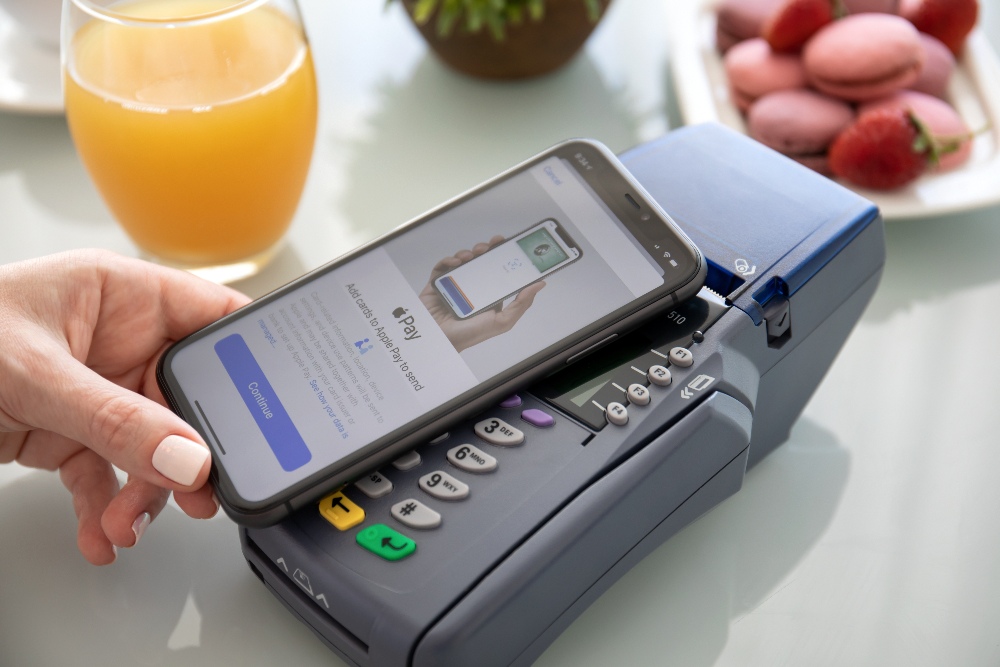
Protecting your card details is only one part of the equation. Apple also uses several security features whenever you actually use Apple Pay in establishments.
It detailed that the service uses Near Field Communication technology between your device and the payment terminal.
"NFC is an industry-standard, contactless technology that’s designed to work only across short distances. If your iPhone is on and detects an NFC field, it will present you with your default card," they explained.
This allows you to protect your money from unwanted payments, as the transaction requires you to authenticate using Face ID, Touch ID, or your passcode.
After you authenticate your transaction, the Secure Element provides your Device Account Number and a transaction-specific dynamic security code to the store’s point of sale terminal along with additional information needed to complete the transaction.
For apps and websites that use Apple Pay, the service receives your encrypted transaction and re-encrypts it with a developer-specific key before the transaction information is sent to the developer or payment processor.
"This key helps ensure that only the app or the website that you’re purchasing from can access your encrypted payment information. Websites must verify their domain every time they offer Apple Pay as a payment option," Apple underscored.
"Like with in-store payments, Apple sends your Device Account Number to the app or website along with the transaction-specific dynamic security code. Neither Apple nor your device sends your actual payment card number to the app," it added.
What if you lose your device
In situations where your device gets lost or stolen, Apple also has some safety measures that you can follow.
If your device has Find My enabled, you can place it in Lost Mode to temporarily suspend Apple Pay without having to cancel your cards right away. If you later recover your device, you can simply reactivate Apple Pay.
"Your credit, debit, and prepaid cards will be suspended from Apple Pay by your bank, your bank’s authorized service provider, your card issuer, or your issuer's authorized service provider, even if your device is offline and not connected to a cellular or Wi-Fi network," Apple said.
You can also go to your Apple Account page to remove the ability to make payments with the credit, debit, and prepaid cards that you were using with Apple Pay on the device.
Another option you can do is to contact your bank or issuer to suspend your credit, debit, or prepaid cards from Apple Pay.
If you're convinced to give the service a try, Here's how you can set up your Apple Pay.