

LTO: E-driver's license is valid stand-in for physical license in case of traffic violation or inspection
The Land Transportation Office has reiterated that the official digital version of motorists' driver's license, or the e-driver's license, continues to be recognized by LTO as a valid substitute for the card version.
According to an LTO statement, access to one's e-driver's license is available on the Land Transportation Management System portal, as well as the eGov app. The validity of e-driver's licenses has been in effect since 2023, as ordered by the Department of Transportation.
Motorists may present their e-driver's license via their mobile phones instead of the physical card to authorities in the event of an inspection or a traffic violation and the physical card is not accessible. Law enforcers from the LTO, as well as the agency's deputized agents, are required to recognize and accept a valid e-driver's license when these incidents arise.
Only the official e-driver's license is a valid substitute for the physical driver's license. Other digital government IDs, a screenshot of the e-driver's license, and a photocopy of the license will not be recognized by LTO enforcers and their deputized agents.
How to access your e-driver's license
Motorists will automatically have access to their e-driver's license once they apply for a new license or renew their current one. There are two platforms that can carry an e-driver's license.
One is the Land Transportation Management System portal. Here's how to access your e-driver's license on the LTMS portal:

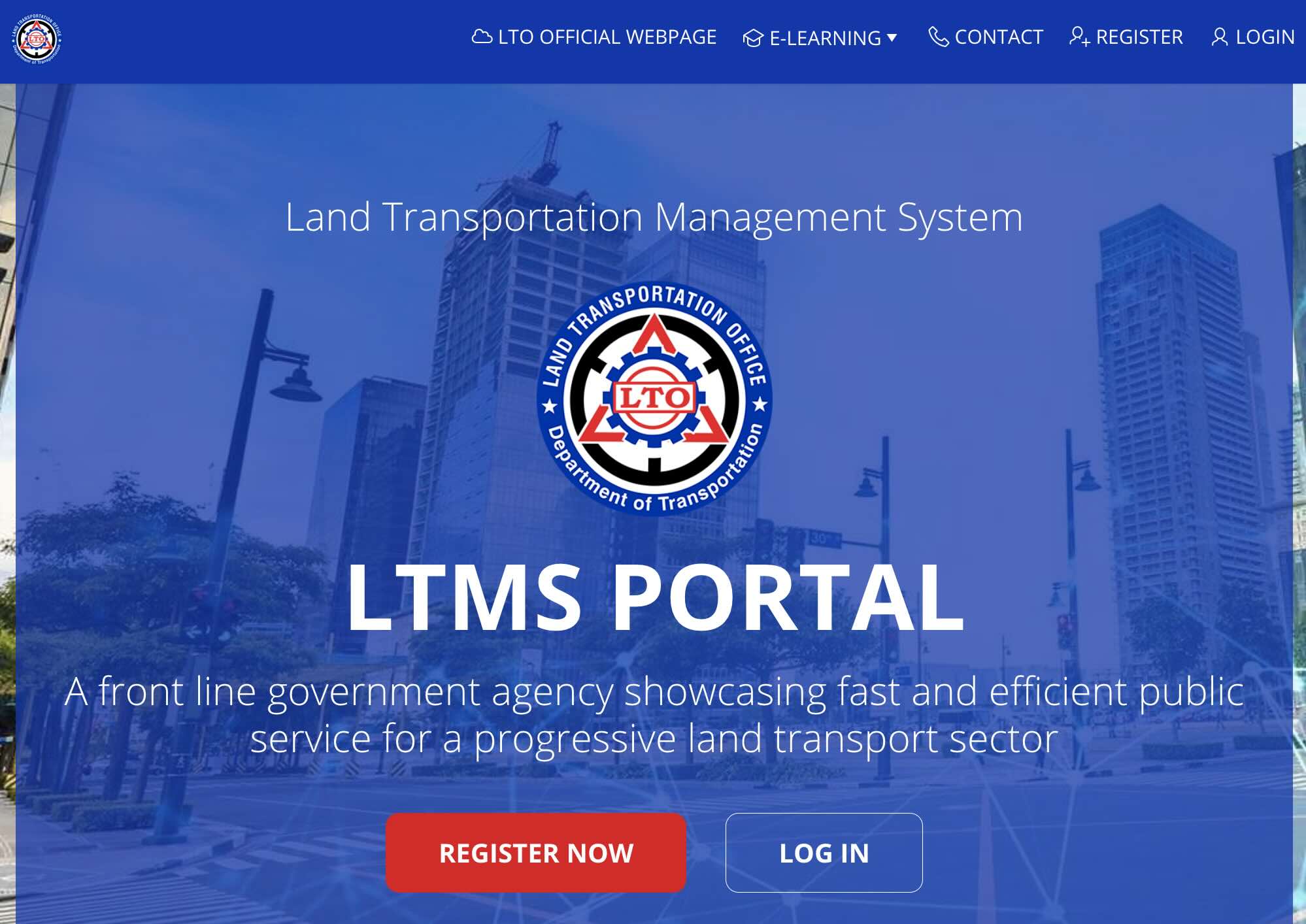
1. If you don't have an LTMS account, create one by tapping on "Register Now" and filling in the required information.
2. Once you get your new driver's license or renew your current one, it will be automatically loaded onto your LTMS account. Access your e-driver's license by tapping on the "Digital ID" button on the main dashboard.
3. A digital representation of your driver's license will then appear on your phone screen.
Another way is to access it on the eGov App. Here is a step-by-step guide:

1. If you haven't yet, download the eGov app on your mobile device via Google Play Store or App Store.
2. Create your account. It will entail completing identity verification, including taking a selfie and uploading a valid government ID.
3. Tap on the "Digital ID" button at the bottom of the dashboard. The screen will then show digital copies of your government IDs, including your driver's license.
4. A valid e-driver's license should contain your photo, identification details, and a scannable QR code/barcode for verification.
Accessing your e-driver's license on both the LTMS portal and eGov app is free of charge.

WATCH: Is Philippine cinema still thriving? (Generations Ep. 19)
September 2, 2026